Yes. Fuelstate speaks each fuel action through your headphones. It gives a heads-up 30 seconds before each fuel, names the exact product to take when it is time, and reminds you if a fuel is overdue.
Audio fuel cues
Your fuel plan, spoken in your ear.
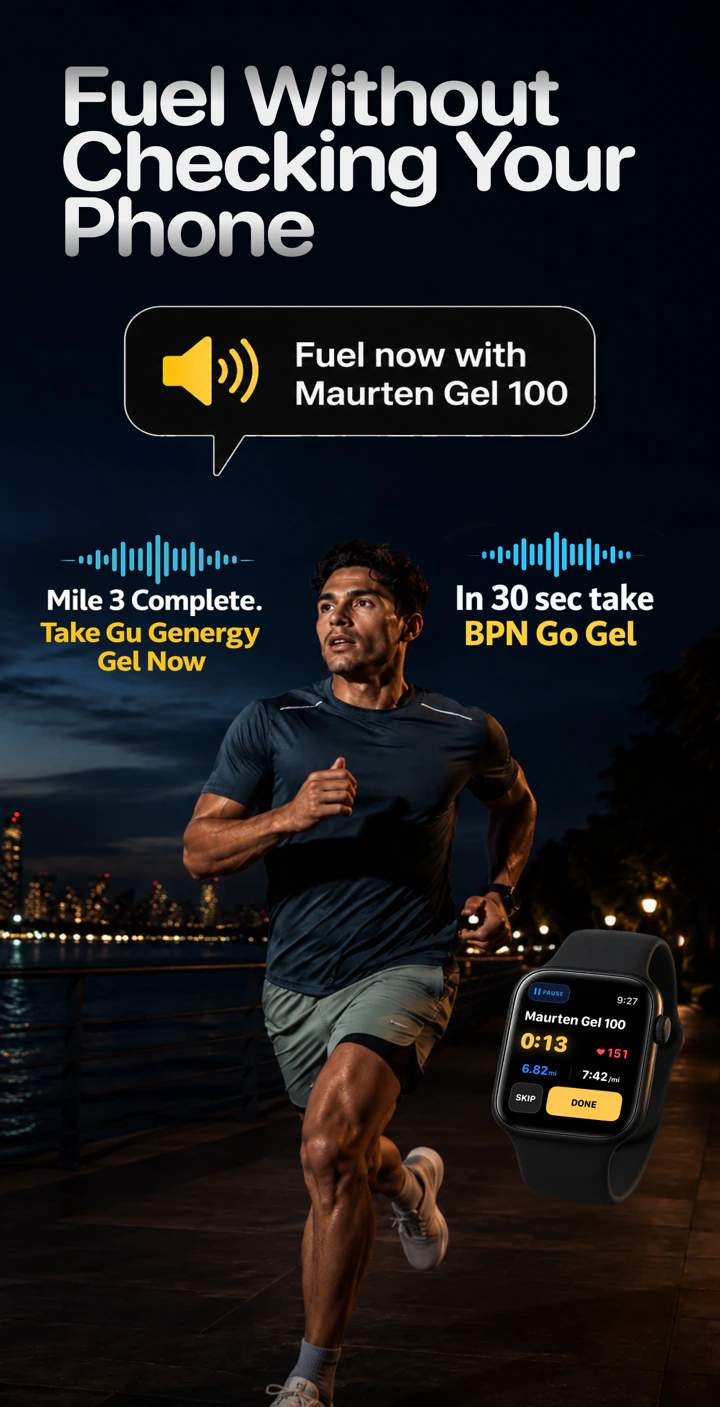
Fuelstate tells you what to take and when, through your headphones, before your body starts asking. Phone locked, music playing, eyes on the road.

Why timing matters
By the time you feel it, you're already behind.
Hunger, a heavy-legged fade, and a foggy head are late signals. Carbohydrate takes time to reach working muscles, so fuel taken after those signals arrive is playing catch-up. The runners who finish strong fuel on a schedule, early and often, before the body asks.
That schedule is hard to keep in your head at mile 18. Watches beep for splits, not gels. Notes on your phone need unlocking. Fuelstate turns your plan into a voice that tells you exactly what to take, right on time, for the whole race.
What you hear
A heads-up, the product, and a reminder if you miss it.
Every cue names the actual product from your fuel kit, so you never have to remember which gel comes next.
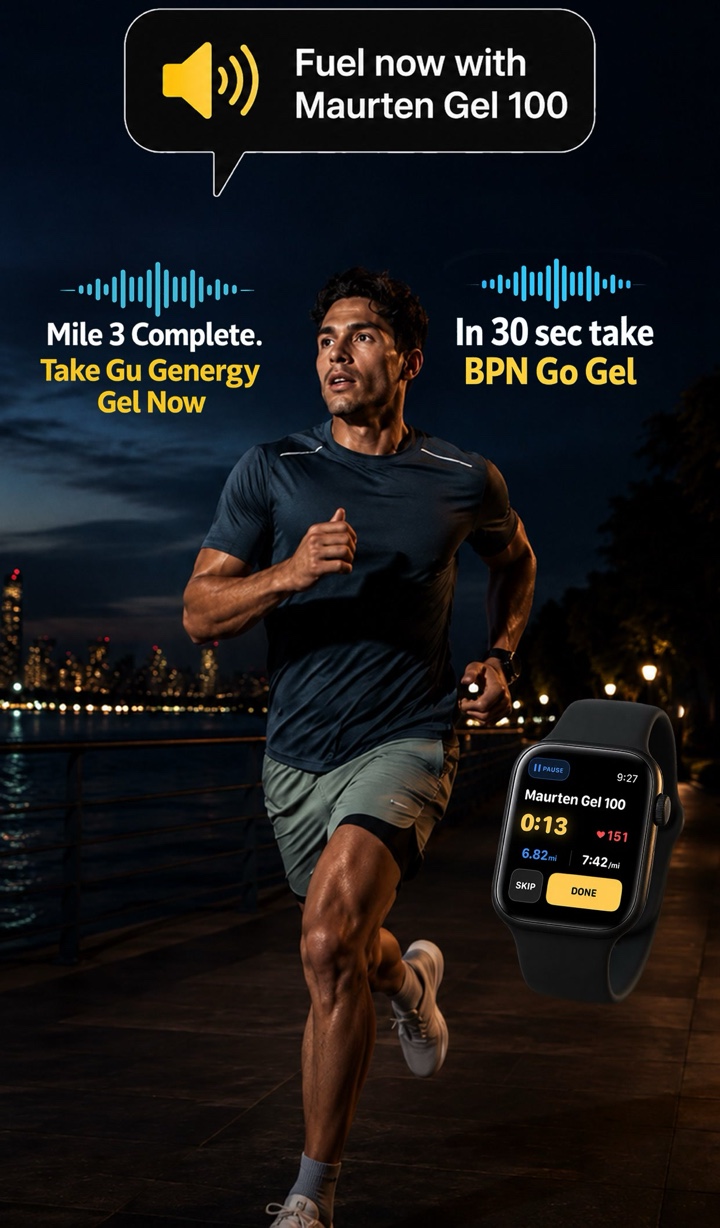
- -0:30"Fuel in 30 seconds. Get Maurten Gel 100 ready."
Time to reach for it without breaking stride.
- 0:00"Fuel now. Take Maurten Gel 100."
Take it, then tap Done on the Lock Screen or Apple Watch.
- Late"Fuel overdue. Take Maurten Gel 100 now."
A missed fuel doesn't quietly slip by. Skip it and Fuelstate tells you when the next window is.
Built for running
Designed to disappear until you need it.
-
01
Phone stays locked
Cues play with the phone in a pocket, belt, or vest. No unlocking, no scrolling, no squinting at a screen.
-
02
Your music keeps playing
Music dips under the cue and comes right back. Podcasts pause for the cue and pick up where they left off.
-
03
Headphones only
During a run, cues play only through connected headphones, so your pocket never announces your gel to the pack.
-
04
Brand names said right
Fuelstate is tuned to pronounce endurance fuel brands the way runners say them, from GU and LMNT to Maurten and Science in Sport.
-
05
Course-aware
On supported race courses, Fuelstate calls out refill points ahead so you know when on-course fuel is coming.
-
06
Splits if you want them
Choose fuel cues only, or add mile splits with pace and heart rate. A final "Fuel plan complete" lets you know you've done your job.
Audio cue FAQ
Fuel without looking.
Only briefly. Music lowers in volume while the cue is spoken and comes back up afterward; spoken audio such as a podcast pauses for the cue and then continues.
No. Cues play with the phone locked in a pocket, belt, or vest. You can mark a fuel Done or Skip from the Lock Screen or Apple Watch.
No. During a run, fuel cues play only through connected headphones, so a phone in your pocket never announces out loud.
Yes. You can choose fuel cues only, or fuel cues plus mile splits with pace and, when a heart rate source is connected, heart rate.
Fuelstate for iPhone + Apple Watch
Stop counting minutes. Start hearing the plan.
Build your fuel plan once. Fuelstate tells you what to take, and when, all the way to the finish.